
A lightweight
cross-platform
terminal & SSH client
Luma combines local and serial terminals, saved SSH connections, SFTP, and end-to-end encrypted config sync in one modern app. Use it locally without an account, bring your own sync provider, or sign in for optional Luma Cloud sync.
Windows · macOS · Linux · iOS · Android
Features
Everything you need in one client
Local shells, remote sessions, file transfers, server monitoring, and secrets management — designed to work together instead of across a handful of separate tools.
Terminals
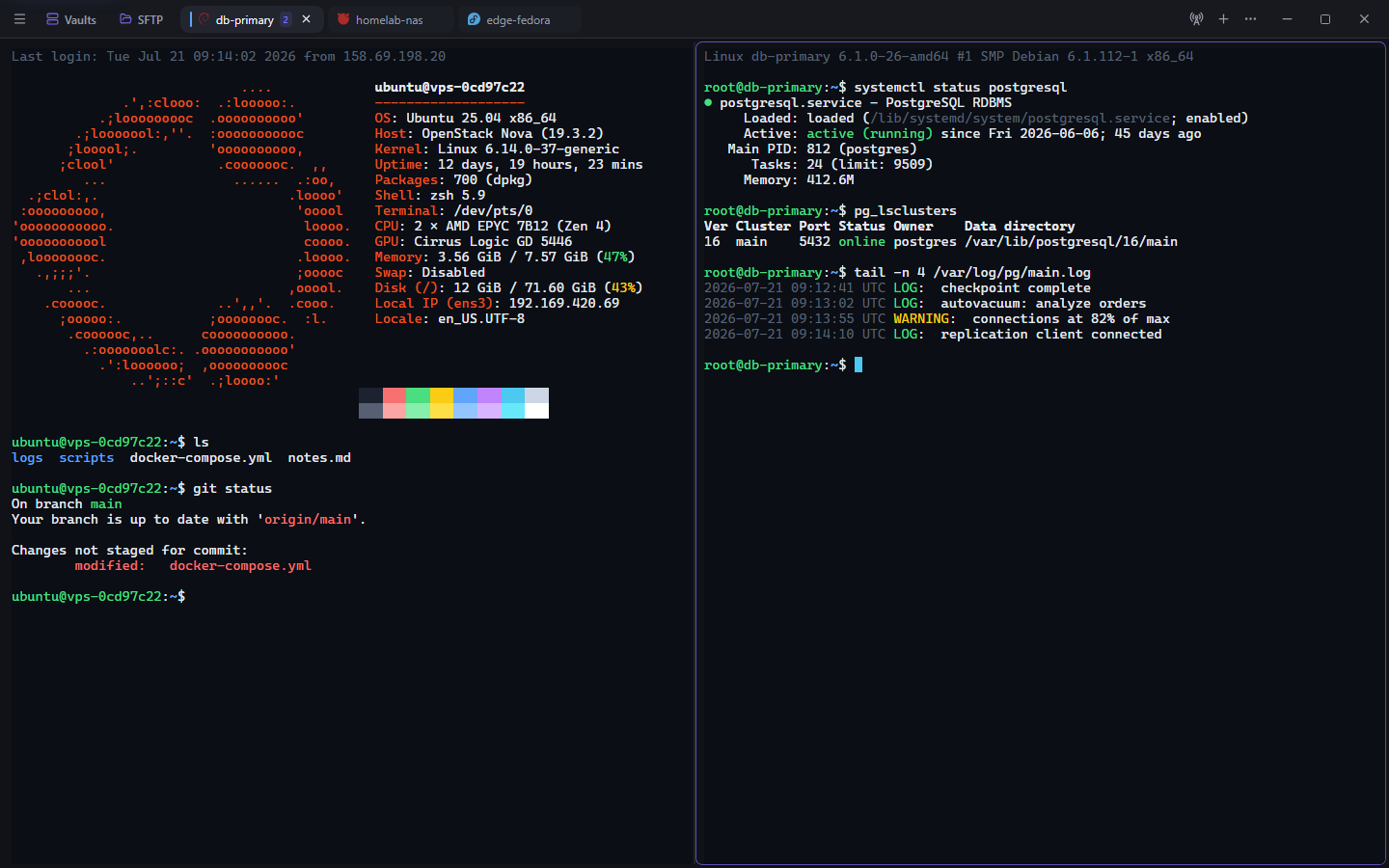
Fast native terminals rendered with xterm.js, with everything you expect from a modern console.
- Native PTY terminals via xterm.js
- Shell discovery and profiles
- Tabs with split panes
- Search, links, and WebGL rendering
- Serial terminals with port and baud
- Optional workspace persistence
SSH & host management
Organise every server and connect through one embedded SSH engine on desktop and mobile.
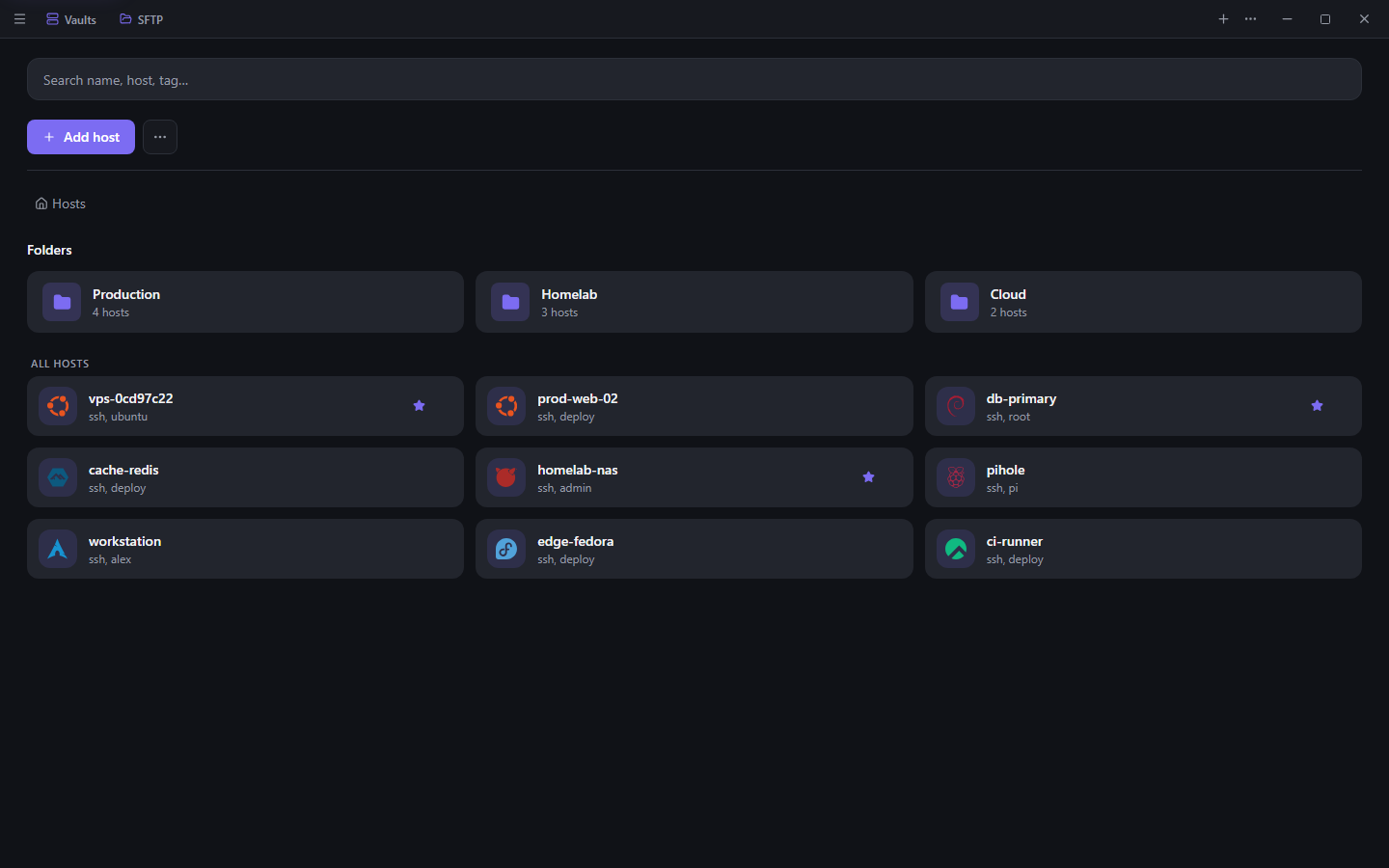
- Saved hosts, groups, tags, and search
- Embedded russh across every platform
- Encrypted reusable identities
- ProxyJump, keepalive, startup commands
- Auto-reconnecting sessions
- Explicit unknown-host confirmation
- Import from PuTTY, OpenSSH, Tabby, and Electerm
SFTP & productivity
Move files and run your workflows without leaving the app or reaching for another tool.
- Dual-pane local and remote browser
- Drag-and-drop transfers
- Progress, cancel, and retry
- Recursive directory transfers
- Direct host-to-host copies
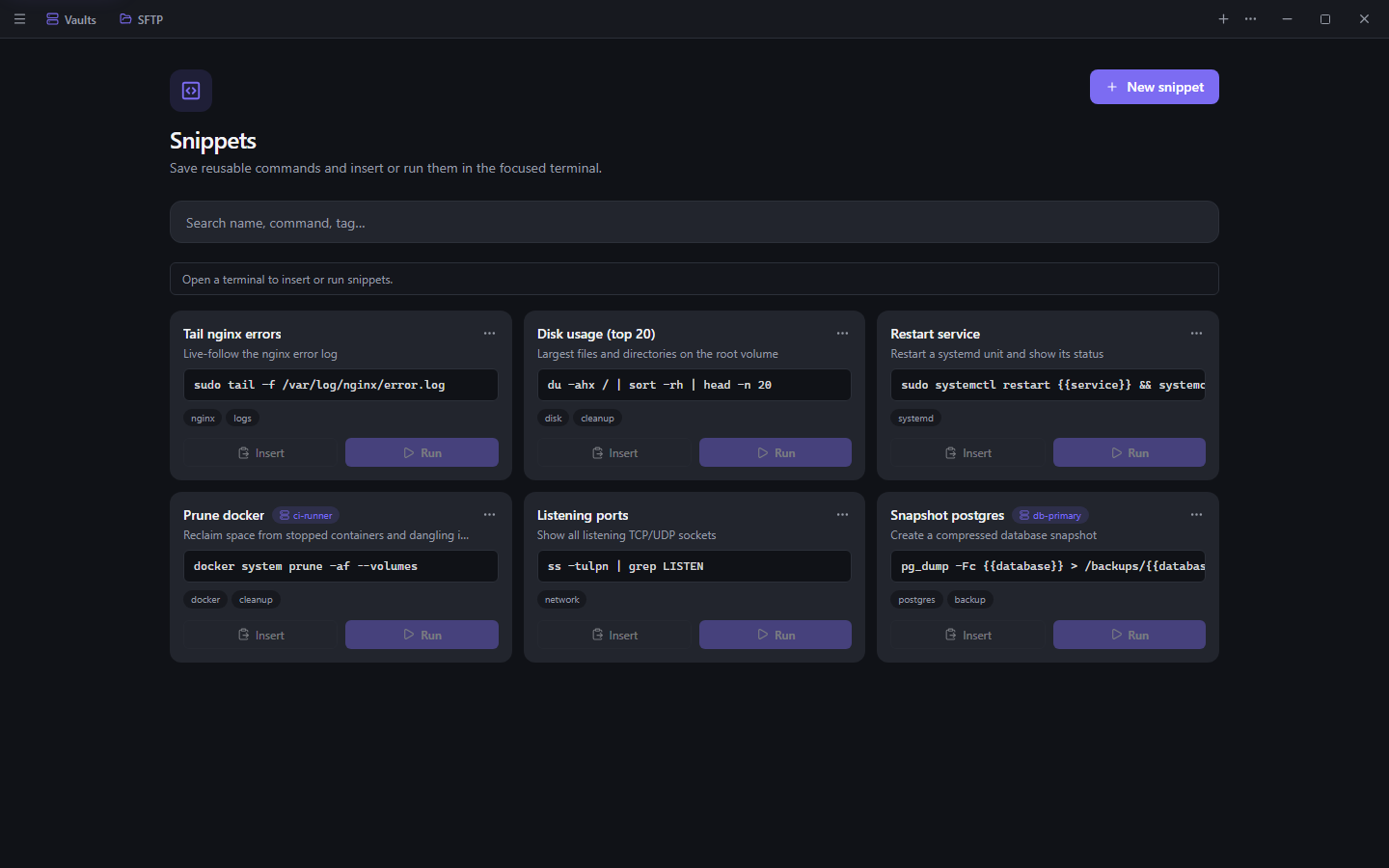
- Parameterized snippet runner
- Port forwarding and command palette
Monitoring & collaboration
See what a server is doing and hand a session to someone else, with nothing to install on the host.
- Agentless server dashboard over SSH
- CPU, memory, disks, network, processes
- Docker containers and failed services
- Fleet health across saved hosts
- Agent inbox for coding agents
- End-to-end encrypted shared terminals
Security, backup & updates
Secrets stay encrypted and local, with optional end-to-end encrypted sync you control.
- Argon2id + XChaCha20-Poly1305 encryption
- OS keychain integration
- E2E sync: folder, WebDAV, or Gist
- Redacting application logs
- Narrowly scoped Tauri capabilities
- Signed in-app updates
A look inside
See Luma in action
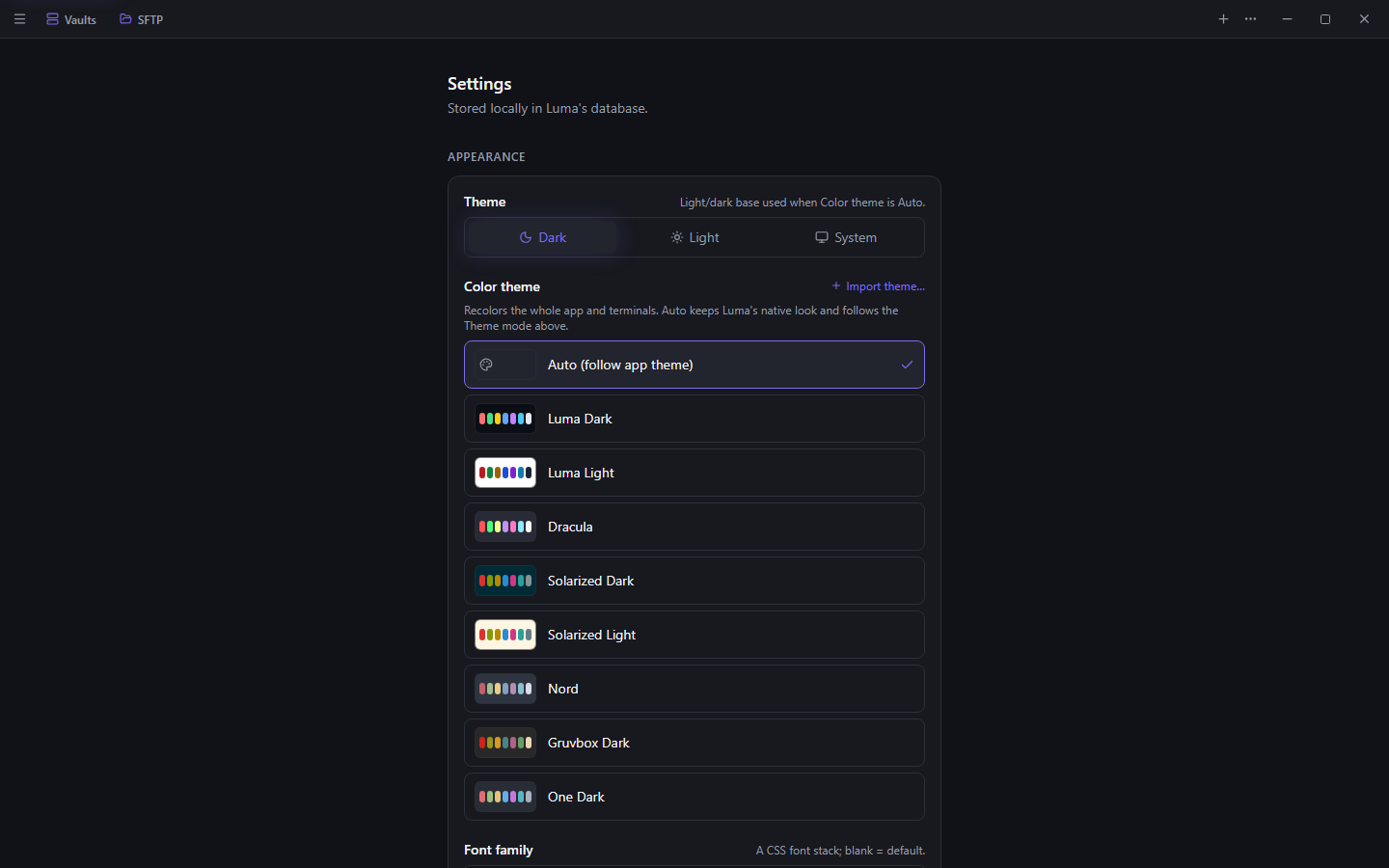
Local terminals, saved hosts, snippets, and the command palette on the desktop; full-screen sessions, server monitoring, files, and the agent inbox in your pocket.
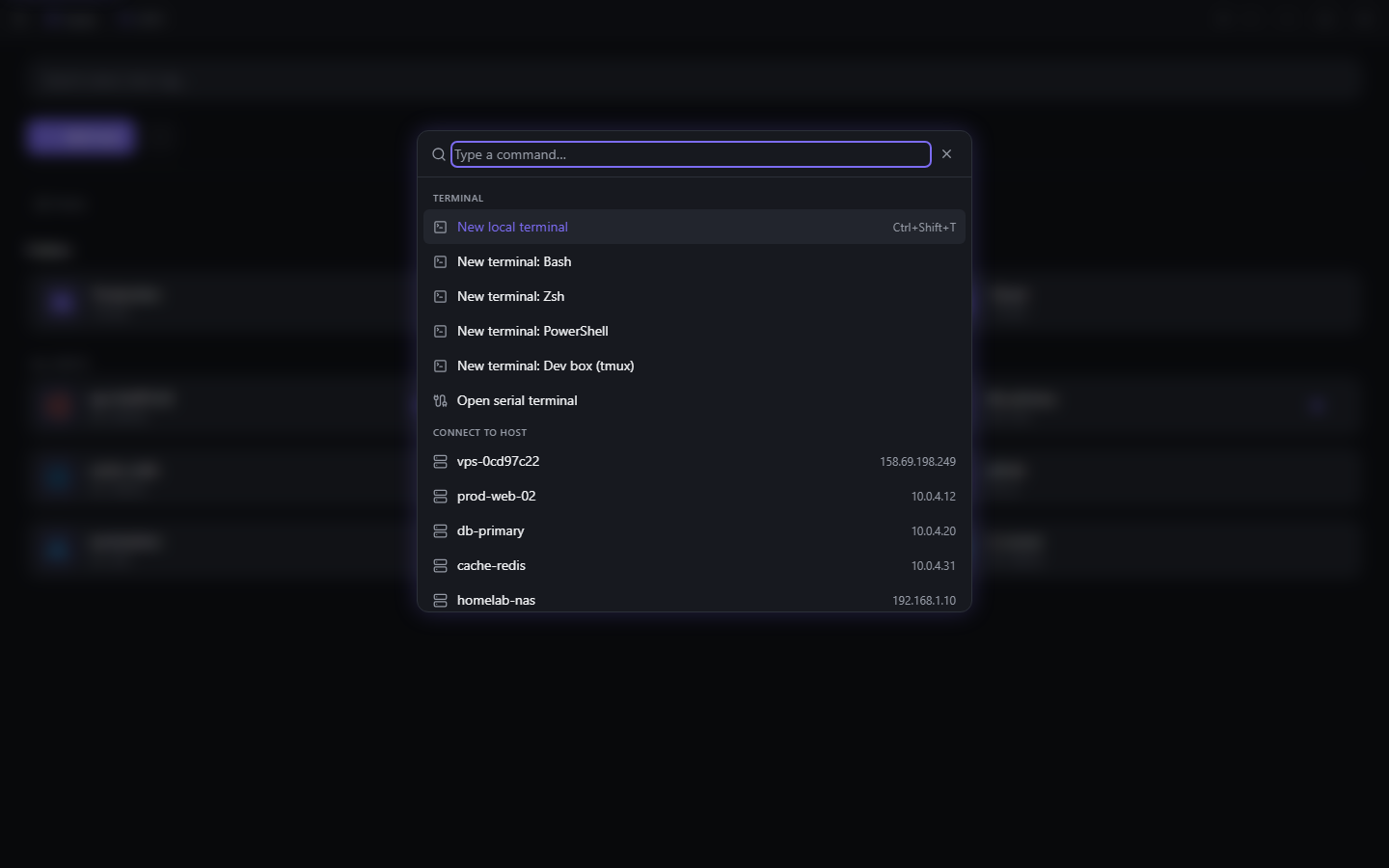
Terminal — 1 of 5
Cross-platform
One client, five platforms
Built with Tauri instead of Electron for a small, native footprint on desktop and mobile alike.
- Windows
- macOS
- Linux
- iOS
- Android
Stack
Built on a modern, native foundation
A Rust backend streams terminal bytes straight to xterm.js through Tauri channels — React only ever holds session metadata.
- Application
- Tauri 2
- Rust
- Tokio
- Frontend
- React 19
- TypeScript
- Vite
- Tailwind CSS
- Radix UI
- xterm.js
Get Luma
Luma is in early development. Grab a build from GitHub releases, or clone the repository and build it yourself.